How to Remove Ums From a Video Automatically (and Keep Your Best Take)
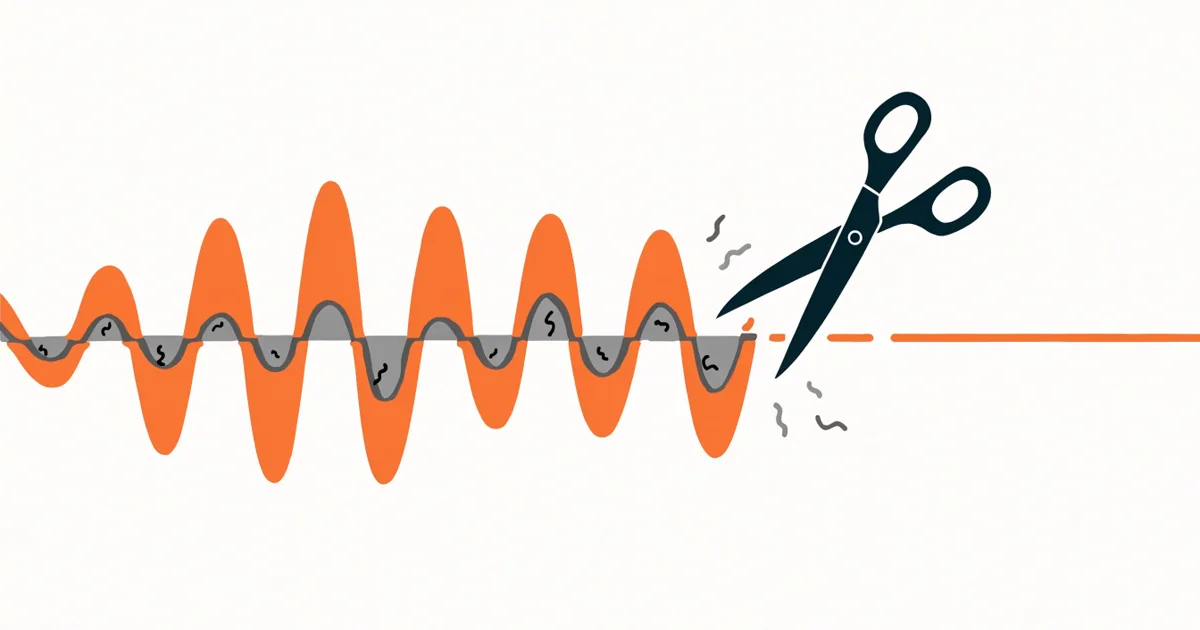
If you talk to a camera for a living, you already know the problem. You record ten minutes, and half of it is "um", "so, uh", a long pause while you look at your notes, and the same sentence said three times because the first two didn't land.
Cutting that by hand is slow. One editor on Reddit described two files turning into 574 clips after removing filler words manually. This guide covers the three realistic ways to do it, what each one is good at, and the mistakes that make a cleaned-up video feel worse than the original.
What you're actually trying to remove
"Remove the ums" sounds like one job, but it's really four different ones:
- Filler words: um, uh, er, "like", "you know", "so" at the start of a sentence.
- Dead air: pauses longer than a natural breath, often while you think or check notes.
- False starts: "The best way to... the easiest way to do this is".
- Retakes: you said the whole sentence or paragraph again because the first version was bad.
Most tools handle the first two well. The last two are harder, because the software has to understand that two different chunks of speech are attempts at the same line, and then decide which one to keep. Keep this split in mind when you pick a tool, because it's where most of your editing time actually goes.
Option 1: Do it by hand (free, slow, full control)
Any editor works for this: Premiere Pro, DaVinci Resolve, Final Cut, CapCut, even iMovie.
The fastest manual workflow:
- Edit by waveform, not by watching. Zoom into the audio track. Silences are flat lines and most fillers are short, isolated bumps. You can spot them faster than you can hear them.
- Use the blade and ripple-delete shortcuts. In most editors that's a single key to cut and another to delete the gap, so each fix is two keystrokes.
- Do one pass for retakes first, then one for fillers. Removing whole retakes first means you're not cleaning up ums in sentences you'll throw away anyway.
- Leave a few frames of air. Cutting right at the edge of a word clips consonants and makes speech sound chopped.
Doing it by hand gives you the best result, and it's also the most tiring. Expect to spend roughly as long editing as you did recording, or longer if you do a lot of retakes.
Option 2: Use your editor's built-in tools
Most modern editors now have some form of transcript-based editing. You get a text transcript of your video, and deleting words in the text cuts them from the timeline. Several also detect filler words and long pauses and let you remove them in bulk.
This is a big step up from fully manual editing:
- Filler detection is usually good on clear audio.
- Silence removal works with a threshold you can tune (for example, anything quieter than a set level for longer than half a second).
- You stay in the editor you already use, so there's no export and re-import step.
Where it falls short: these tools treat the transcript as words, not as takes. If you said a paragraph three times, you'll see it three times in the transcript and still have to read through and pick one yourself. That's often the slowest part of the whole edit.
Option 3: Use a dedicated AI tool
A newer set of tools (Descript, Cleanvoice, OpusClip, Loom's built-in cleanup, and others) focus specifically on cleanup. You upload a video, they transcribe it, detect fillers and silences, and give you a cleaned version or an edited project.
What to look for when you compare them:
- Retake detection. Does it notice when you repeat a sentence and keep only one version? Ask this specifically, because many tools only remove fillers and silence.
- Control. Can you review and undo individual cuts, or is it all-or-nothing?
- Export to your editor. If you or your editor finish videos in Premiere, Resolve or Final Cut, you want an XML/EDL timeline of the cuts, not just a flattened MP4. A timeline means nothing is baked in and every cut can be adjusted.
- Privacy and cost. Pricing is usually per minute or per month. If you record a lot, check what an hour of footage costs you.
The mistakes that make cleaned-up videos sound wrong
Automatic cleanup can make a video worse if you push it too far. The most common problems:
Cutting every pause. Pauses are part of how people listen. Removing every single gap makes you sound like you're reading at 1.3x speed. A good rule: remove pauses longer than about 0.7 seconds, and shorten (don't delete) the rest.
Cutting the breath. A breath before a sentence sounds natural. A sentence that starts with no breath after a hard cut sounds edited. Keep short breaths, or shorten them.
Ignoring jump cuts. On a talking-head shot, every audio cut is also a visual jump. Small jumps are fine and normal on YouTube, but dozens of tiny ones in a row look glitchy. Cover clusters with a punch-in (scale to 110-120%), B-roll, or a screen recording.
Keeping the wrong take. When you retake a line, the last version is usually the best one, but not always. Sometimes the first take had more energy and the third one just has better wording. If a tool picks the take for you, skim its choices.
Trusting it blindly on bad audio. Echoey rooms, music beds and two people talking over each other all make filler detection less accurate. Clean audio in means a cleaner cut out.
A simple workflow that works for most creators
- Record with retakes on purpose. If a line comes out wrong, pause for a second and say it again from the start of the sentence. Don't stop recording. This "say it again" habit makes any cleanup tool far more accurate.
- Run automatic cleanup first to strip fillers, long silences and repeated takes.
- Review the cuts, not the whole video. Skim the list of removed sections and restore anything that shouldn't have gone.
- Export a timeline to your editor and do the creative work there: B-roll, captions, music, punch-ins.
- Watch it once at 1x. Listen for clipped words and unnatural rhythm, and fix only those.
This splits the work into the boring part (removing mistakes) and the creative part (making it good), and only the creative part needs you.
Where Umless fits
Umless is a tool we're building specifically for step 2, with a focus on retakes. The idea is simple: say a line as many times as you need, and Umless keeps your best take and removes the rest, along with the ums and the dead air. The output is a clean video, or a timeline you can open in Premiere, DaVinci Resolve or Final Cut to keep editing.
To be upfront: Umless is early. The core engine works. In our own test, a 39-second raw clip with fillers and a retake came out at 17.5 seconds, but we're still testing it on real creators' footage before a public release. The engine will be open source, with a hosted version for people who don't want to run it themselves.
If you'd like to try it on your own video, we're doing free cleanups for early users: send us a raw clip and we'll send back the cleaned version, so you can judge the result yourself. No card, no sign-up beyond your email.
Quick answers
Can you remove ums from a video for free? Yes. By hand in any free editor (CapCut, DaVinci Resolve), or with the free tiers of several AI tools. Free is mostly a trade of money for your time.
Will removing fillers make me sound robotic? Only if you also remove every pause and breath. Remove fillers and long silences, shorten short pauses, and it will sound like you on a good day.
What's the hardest part to automate? Retakes. Detecting "um" is a speech-recognition problem. Picking the best of three versions of the same sentence requires the tool to compare the takes.
Should I edit the audio or the video? Both cut together. On a talking-head video the audio drives the edit, and the video follows the same cuts.
Try it on your own video, free
Umless is early. We're doing free cleanups for the first creators: leave your email and we'll reply with how to send a raw clip. You get the cleaned version back, no card.